This article would help you choose the Productivity solution you want to use for your Business – Microsoft 365 vs Google Workspace.
Microsoft 365 vs Google Workspace – which is better
Both Google Workspace and Microsoft 365 are leading cloud-based productivity suites designed for businesses, offering tools for email, file storage, collaboration, and office productivity. Concurrently, we discuss each of them briefly below.
Google Workspace
Google Workspace is a cloud-based suite of productivity tools from Google that helps people and businesses work together more easily. It includes Gmail for email, Google Drive for storing and sharing files, Google Docs, Sheets, and Slides for creating documents, spreadsheets, and presentations, along with tools like Calendar, Meet, and Chat for scheduling and communication. Thereby, everything is online, meaning you can access your work from any device, collaborate with others in real time, and keep your data securely stored in Google’s cloud, making teamwork faster and simpler.
Microsoft 365
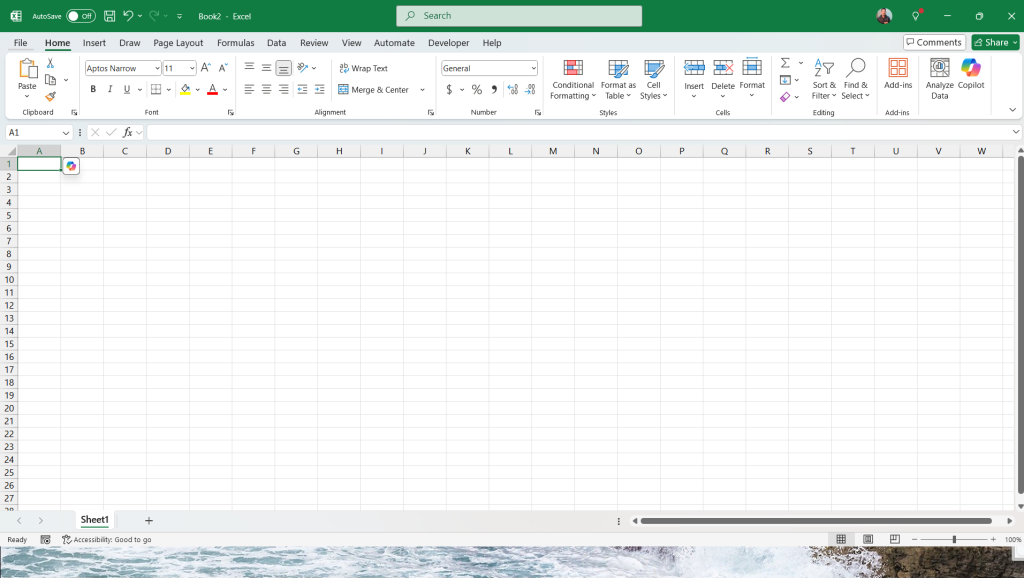
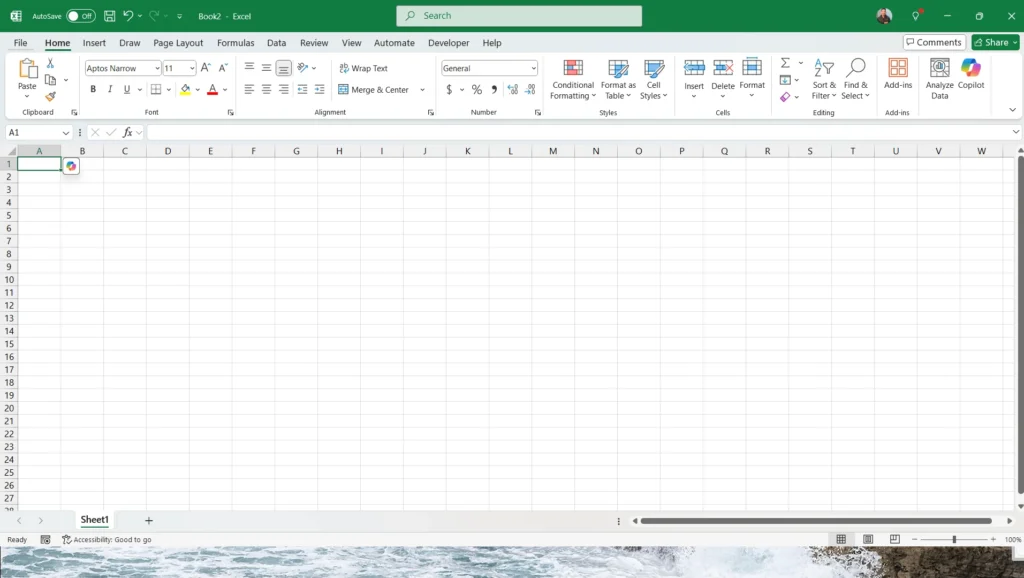
Microsoft 365 helps individuals and organizations work smarter and collaborate seamlessly through its all-in-one cloud-based productivity suite. Furthermore, it offers familiar apps like Outlook for email, Word, Excel, and PowerPoint for creating and editing documents, along with OneDrive for secure file storage and Teams for chat and video meetings. Being fully cloud-integrated, it lets you work from anywhere, access files across devices, and co-author documents in real time, making it a powerful solution for modern, connected workplaces. The apps are available for Windows and Mac.
Your choice essentially depends on your use case
Google Workspace vs Microsoft 365 is an essentially never-ending battle, as both of them are equally great products with minor differences. Unfortunately, it all comes down to your usage in the Business.
Some features of Google Workspace are below:
- Everything is online-only. Because it lacks desktop apps, the product suits those who prefer remote work and enables seamless teamwork.
- Google Workspace provides pooled, scalable storage starting at 30GB. Additionally, it can go to 5TB on premium tiers.
- Strong baseline security with 2FA enabled and AI threat detection.
- GSuite is known for broad, straightforward integration with countless third-party apps, enabling teams to tailor workflows and extend functionality easily.
- Google Workspace Suite support ranges from basic to enhanced at higher tiers, ideal for businesses seeking simplicity and self-service administration
Microsoft 365, on the other hand, builds on the long legacy of Office applications. Its features are below:
- Feature-rich desktop versions of Word, Excel, PowerPoint, and more—alongside their cloud counterparts.
- Security baseline of Microsoft 365 includes Stringent compliance, regulatory, and security requirements. Furthermore, it provides advanced threat protection, multifactor authentication, and comprehensive device and identity management, which is ideal for large organisations.
- Due to the tightly integrated Microsoft ecosystem, there are limitations on integrating external services, as it primarily relies on its own tools and partners.
- Microsoft 365 also provides every user with a generous 1TB of OneDrive storage as standard, and concurrently, the option for larger capacities as businesses grow.
- Additionally, it offers comprehensive technical support options, which can be crucial for large or complex organisations.
TLDR: Microsoft 365 offers device apps, thereby promoting hybrid work and better storage options. At the same time, Google Workspace suits cloud applications and organisations seeking pooled storage.
Side-by-side Comparison
Google Workspace vs Microsoft 365 comes down to the following differences:
| Feature | Google Workspace | Google Workspace |
|---|---|---|
| Price (per user/month) | $6—$22 (varies per tier) | Integrations are often limited to Microsoft ecosystem |
| Cloud Storage | 30GB—5TB (by plan, pooled at higher tiers) | 1TB per user (expandable on custom plans) |
| Key Apps | Docs, Sheets, Slides, Gmail, Meet, Calendar, Drive, Chat | Word, Excel, PowerPoint, Outlook, Teams, OneDrive, SharePoint |
| Desktop Apps | Not available—cloud-based only | Word, Excel, PowerPoint, Outlook, Teams, OneDrive, SharePoint |
| Collaboration | Real-time editing, comments, in-app chat | Traditional, co-authoring, track changes (less intuitive) |
| Video Meeting Participants | Up to 500 | Up to 1,000 |
| AI Tools | Real-time editing, comments, and in-app chat | Integrations are often limited to the Microsoft ecosystem |
| Customization | Extensive: domains, themes, email templates, 3rd-party add-ons | Limited to themes, notification settings |
| Third-party Integrations | Broad and easy integration | Robust, with a large partner network |
| Security | 2FA, AI threat detection, DLP, endpoint management (higher tiers) | MFA, advanced threat detection, encryption, DLP |
| Offline Access | Limited, mostly via browser | Extensive via installable apps |
| Support | Basic (more with higher tiers) | Robust, with large partner network |
More Resources
- The Admin Panel of Google Workspace can be accessed at the Gsuite Admin page. Concurrently, Microsoft 365 Support can be accessed using the Microsoft 365 Admin page.
- The sales page of Microsoft 365 is here vs the sales page of Google Workspace is here.
To summarize, these differences would help you tell the differences between Google Workspace vs Microsoft 365.