This article discusses a known issue when your Microsoft Account device page is blank, i.e. https://account.microsoft.com/devices, or does not show your desired device, on which Windows 10 or Windows 11 is installed and you are signed in to that computer with the same Microsoft Account.
Table of Contents
Microsoft Account Devices Page – what is it used for?
The Microsoft Account Devices page is where you can see and manage all the devices linked to your Microsoft account, like your Windows PCs, Xbox consoles, and Surface devices. From here, you can check device details, track a lost device, view warranty information, remove old devices you no longer use, and even get support or service options. It’s your one-stop place to keep an eye on your Microsoft-connected devices.
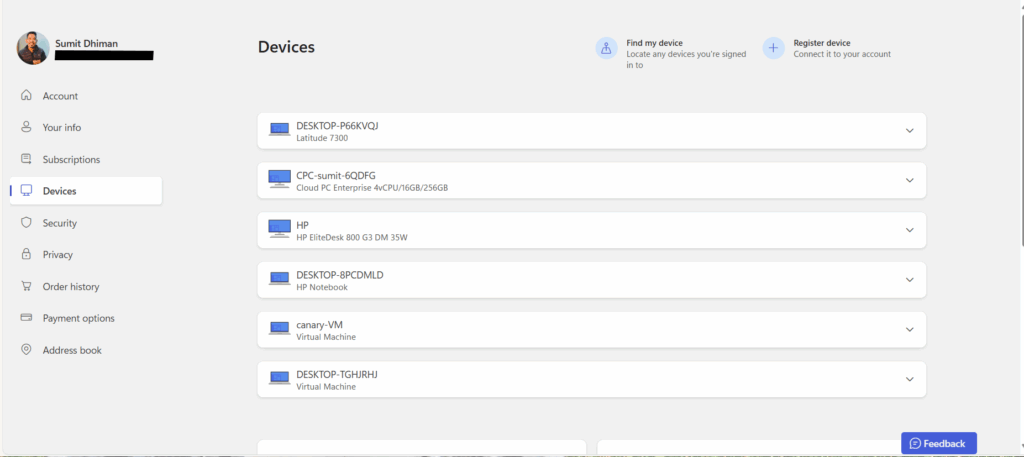
Is your Microsoft Account device page blank ? MSFT says this is a known issue
There have been many reports of users who find that the device page is either blank, i.e. does not show any devices. Concurrently, for some users, if the user recently reinstalled Windows on their device or bought another computer, signing in would not populate the device on the page, which typically is either instantaneous or takes 48 hours. Concurrently, Microsoft recently acknowledged that the Microsoft account device page is empty, is a known issue and they are working on the same. They told this:
ms. com/devices page is broken (again) for some people. Engineering is aware and working on this. No estimated time of arrival or fix.
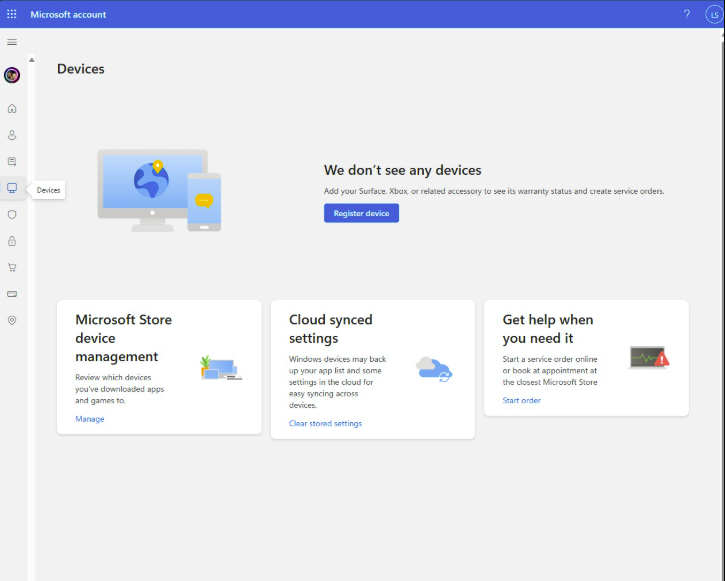
As the quote notes, it is not certain when Microsoft will fix this issue. However, the article will be updated you once the account.microsoft.com/devices page is fixed.