Outlook is one of the best Email providers on the planet, with thousands of businesses using it, or Outlook Exchange. The space constraint on hosted server is why organisations prefer offline mail data in the form of PST format, widely used by Outlook. This article lays out various free methods that can be used to convert OST to PST Outlook formats.
Table of Contents
What are the OST and PST Formats in Outlook
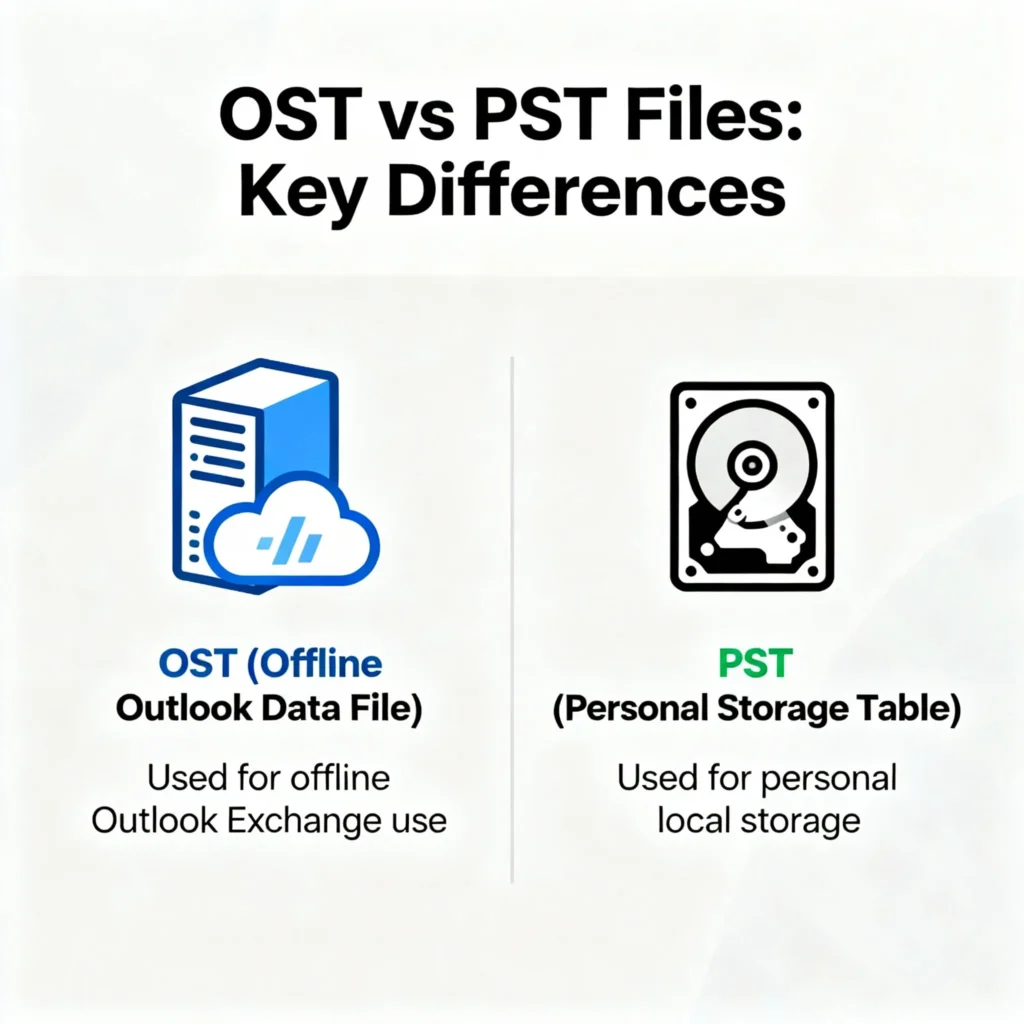
In Microsoft Outlook, OST and PST files serve as essential containers for storing your email data, but they differ in purpose and functionality. An OST file, short for Offline Storage Table, is a local cache that Outlook creates to enable offline access, and it syncs changes automatically when you reconnect to the internet. On the other hand, a PST file, or Personal Storage Table, acts as a standalone archive for emails, contacts, and calendar items, often used for backups or importing data . If you’re switching from an offline setup, learning to convert OST to PST is crucial, as it lets you convert the read-only OST t into the PST format for easier management.
Best tools to convert OST to PST
There is a wide variety of tools that can help you convert an Outlook Data file to a Personal Storage table. Most of them are paid, and some offer free features to some extent. Some of these are given below:
Stellar® Converter for OST
Stellar’s OST to PST converter is an excellent tool that converts orphaned OST files to PST format, preserving emails, attachments, contacts, and calendars with 100% accuracy, and is trusted by many industry experts. You can use this tool for:
- To Export OST to PST
- To Fix Offline OST Synchronisation Error
- Import OST File to Office 365/M365
Social media posts including this one confirm that Stellar’s tool is one of the best converters for the same.
Pricing and details
Stellar offers 3 plans, described below in detail, that primarily convert OST files to the PST format.
💼 Corporate Plan
- Converts offline OST file to PST format
- Compatible with all Outlook versions
- Price: $99 -> 79$ (Save $20)
- License: Single device installation
- Mailbox conversion: Up to 5 mailboxes
🛠️ Technician Plan
- Converts OST to PST, plus:
- Split & compact PST files
- Migrate to Office 365 / M365
- Price: $199 -> 149$ (Save $50)
- License: Multiple device installation
- Mailbox conversion: Unlimited
- Additional features:
- Batch OST conversion
- Export to Live Exchange & Office 365
- Export contacts to CSV
🧰 Toolkit Plan (Best Value)
- 7-in-1 toolkit includes:
- Convert, Repair, Split, Compact, Merge, Undelete, Reset Outlook Password
- Price:$499 -> $199 (Save $300)
- License: Multiple device installation
- Mailbox conversion: Unlimited
- Covers all Technician features plus:
- PST repair and recovery
- Merge multiple PSTs
- Split PSTs by date, size, ID, folder
- Compact PSTs and remove attachments
- Recover deleted emails (even from password-protected files)
- Recover lost Outlook passwords
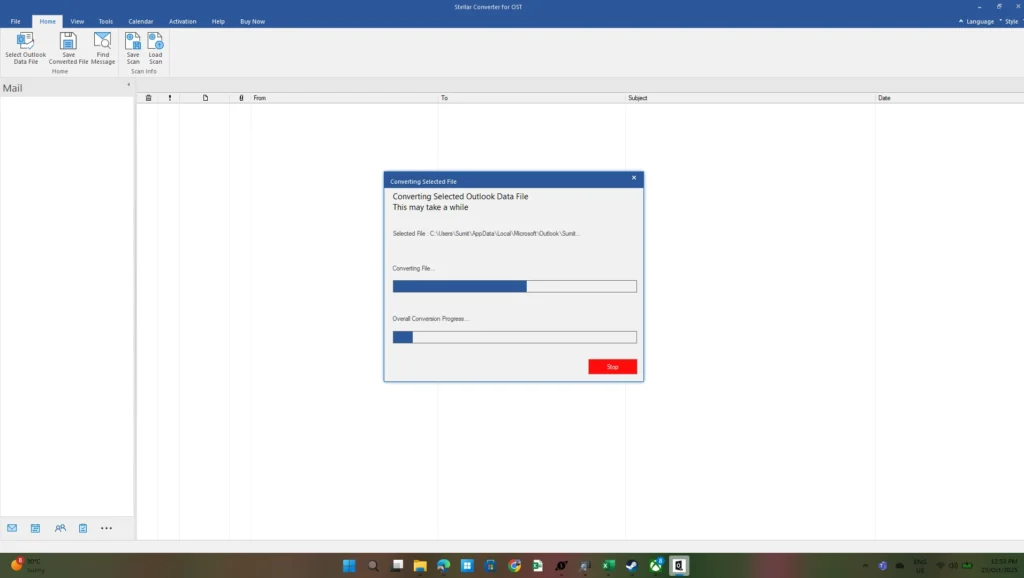
Download Stellar OST to PST converter
Download the Stellar OST to PST converter from OST to PST File Converter Tool | Stellar
Zook OST to PST Converter
If you’re dealing with corrupted, orphaned, or oversized OST files, ZOOK allows you to convert OST to PST, and concurrently it ensures a seamless transition while preserving folder hierarchy, metadata, and rich text formatting. With support for all Outlook and Exchange versions, batch conversion capabilities, and multilingual interface options, ZOOK stands out as a reliable tool for professionals who need speed, accuracy, and flexibility in their email management workflows.
Pricing
Zook’s Personal license costs around 40$. It allows you to easily export multiple files. The license is valid for 2 machines, and 24/7 support is provided.
The Corporate license costs 200$. It is suitable for corporate users, allowing to export multiple files. The license can be used for several machines and multiple geographic locations.
The Zook OST to PST converter can be downloaded from Convert OST to PST without Outlook in Bulk for All Emails.
Freeware to convert OST to PST
There are several freeware programs available that cannot replicate what premium software like Stellar can do. Here are some examples:
OST2PST
Another tool from GitHub, known as OST2PST, can also do the job well, as long as the Outlook data files aren’t from the Office 2013 to 2016 era. You can have a look at it here.
Xstreader
Xstreader, an open source tool, cannot directly act as an OST to PST converter, but can help you recover something from an OST file. You can download it from here.
These are some of the tools that can help you convert OST to PST data files of Outlook. If you have any other suggestions, post in comments.