With the release of Windows 10 last year, Microsoft introduced a useful feature that allows users to roll back to their previous operating system after an upgrade. Previously, restoring the OS from an earlier version was a tedious task that required booting from installation media and executing several commands.
Initially, users had a 30-day window to roll back to their previous OS. Since Windows 10 was offered as a free upgrade from Windows 7 and Windows 8, those who encountered issues with Windows 10 could easily revert within this period.
However, with the Anniversary Update for Windows 10, the rollback feature is still available, but the time limit to revert has been reduced to 10 days.

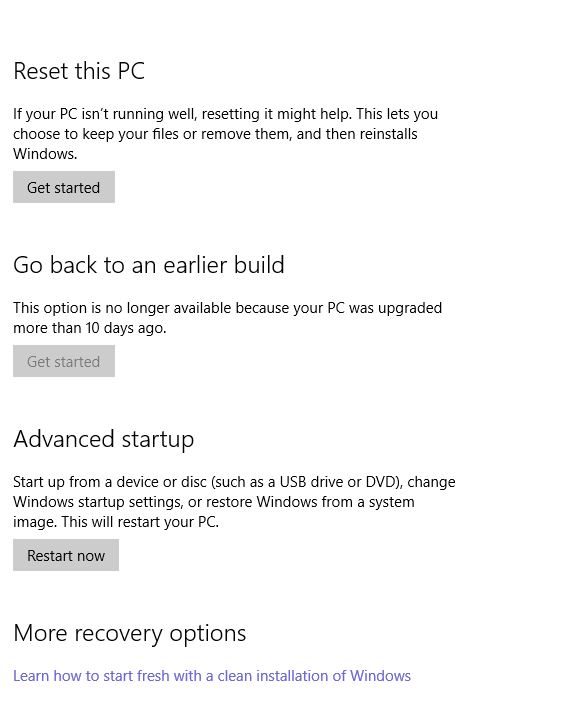
As you can see, my PC is already above the 10 day limit, so it says you cannot go back. One more small change is that the rollback option is now permanent, earlier it wasn’t shown when you didn’t had the files or if you had passed the rollback days.
