Whenever you do an upgrade like windows to another windows Edition like upgrading Windows 10 to Windows 10 v1511 or you upgrade from Windows 7 or 8 to Windows 10,windows update is the primary method of delivery.If you are downloading Windows 10 through Windows update,an encrypted installation file is stored in your windows folder which you can convert and use as an Installation media file for future purposes.
Here’s how to get Install.esd file in Windows 10
After the Windows update has completed of the Windows setup,a copy of Windows update setup file is saved in the form of Electronic service delivery widely called Install.ESD.ESD file is just an encrypted copy of ISO file which is used for Installation of Windows.
To get the ESD file do the following:
- Press Windows key + R to open run dialog box.
- Type: C:$Windows.~BTSources
- Copy the Install.esd file from the folder to a separate folder let’s say D:/ESD.
Download the Decrypter
Download ESD to ISO decryptorThe download should automatically start after you click the link.
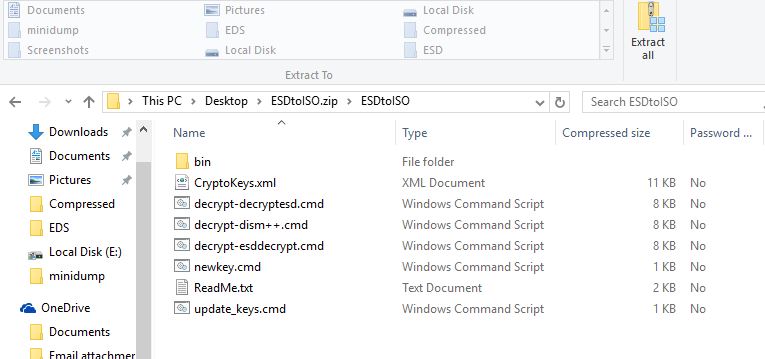
- After the download completes,extract the ZIP to the same folder where the ESD is located.Double click the file and click extract on the top:

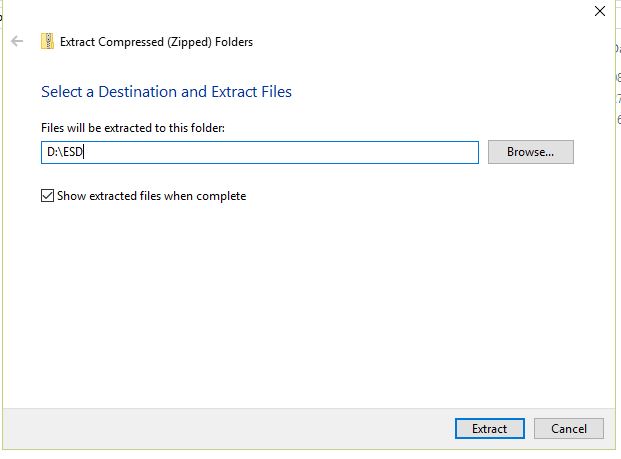
- Change the path to D:/ESD folder:

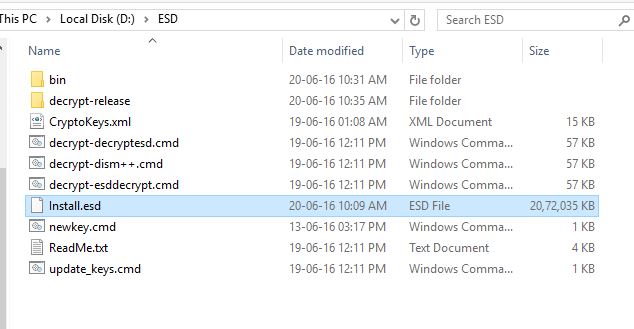
- Now the tool ESDtoISO and the Install.esd file is in the same folder.This should be the tree structure:

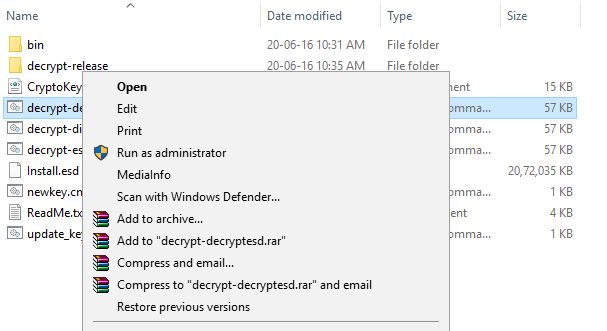
- Now right click the file named decrypt-decryptESD and click Run as administrator:

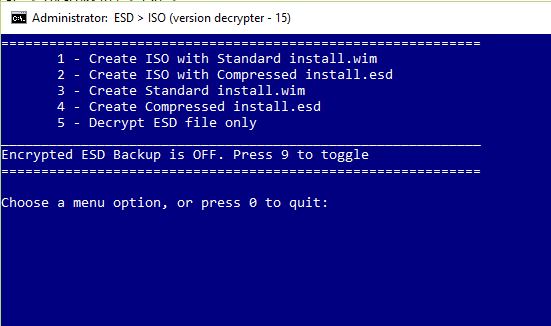
- As we want to create an Installation media callled ISO file,we need to run the first option-Create standard file with standard Install.wim

- Press option one and then wait for the process to finish.
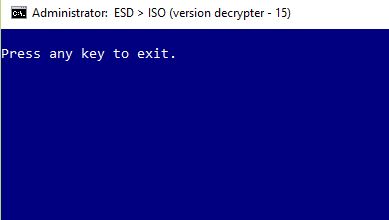
- When finished,you will get a screen with task finished,press any key to continue:

That’s it.Copy the ISO file where ever you like and use it for reinstalling purposes.This method is quite useful when you have a slower internet connection/metered connection and you do not want to download ISO again.
Queries?Post in comments………….
