Windows 11, the next release of Windows, is scheduled for later this year. In this article, I mention the best Windows 11 Compatibility checker tool that tells if the PC supports Windows 11, including Microsoft and third-party alternatives. Windows 11 has somewhat high processor and security requirements, so it is recommended to check compatibility before trying to upgrade.
Windows 11 System Requirements
The system requirements for Windows 11 are as follows:
A ‘modern’ dual-core, 64-bit processor
1GHz clock speed
64GB drive
4GB RAM
UEFI, Secure Boot capable
TPM 2.0
Greater than a 9-inch screen with HD Resolution (1366×768 equivalent)
DirectX 12 compatible graphics / WDDM 2.x
TPM 2.0 and Secure boot
If you’re unsure whether your PC passes the compatibility check, these tools are helpful.
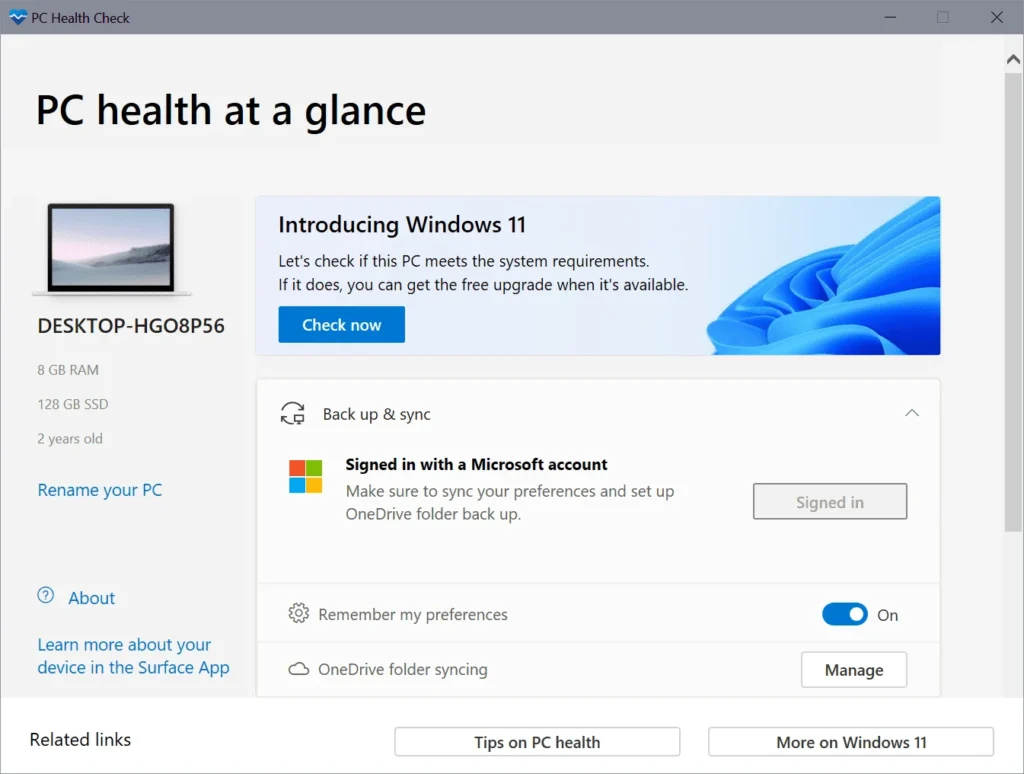
PC Health Checkup app from Microsoft – the best tool to check Windows 11 Compatibility
Microsoft has provided a tool called the PC Health Checkup app to check PC compatibility. Initially released in June 2021, Microsoft took it down for a while as the initial release did not indicate what was incompatible. Microsoft acknowledged that they missed an opportunity in the opening, and the new tool identifies exactly what is missing on your device. You can get the same from here:
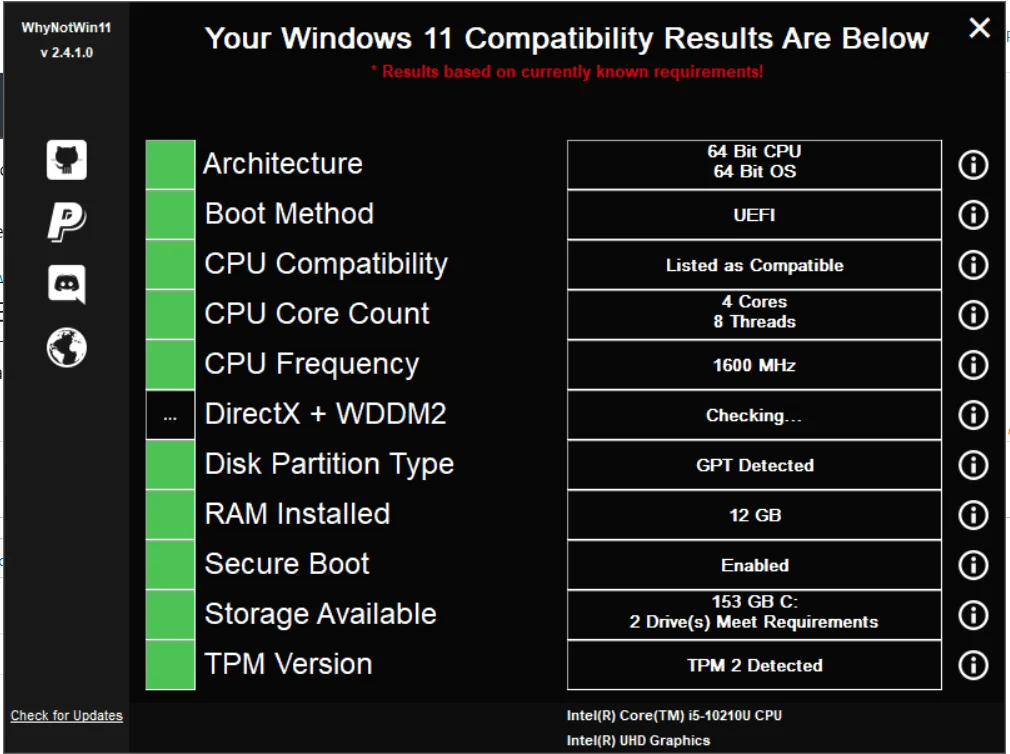
WhyNotWin11 is another excellent 3rd party tool developed by an Independent Developer. It was one of the earliest tools and still my pick of choice. The best part is that this tool is open-source on GitHub.