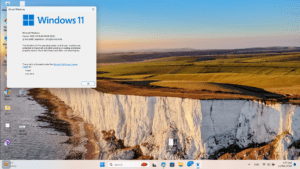
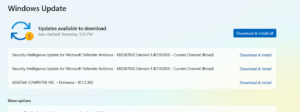
Windows 11 23H2, also known as the Windows 11 2023 Update, offers users a variety of features and improvements. Currently, this version is not directly available for download from the standard Microsoft software download website; however, there is a solution to this problem. The following is a step-by-step guide to downloading the Windows 11 23H2 ISO file from Microsoft’s website.
Prerequisites to download Windows 11 23H2 ISO
Before diving in, make sure you meet these prerequisites:
- Windows Insider Program Membership: Not a member of the Windows Insider Program? Sign up now to access the necessary ISO file from here.
- Microsoft Account: Ensure you’re logged in with a Microsoft Account on the page.
What is the Windows Insider Program?
The Windows Insider Program is a community of millions of Windows’ biggest fans who get to preview Windows features. Based on the feedback and engagement, Insiders can help Microsoft engineers shape the future of Windows. Microsoft, through its Insider Programs, provides various ISO files for different channels, such as Beta and Dev. Currently, the Beta Channel is based on the same version, so we can use its ISO file to download the Windows 11 23H2 ISO file. If we do not sign in to the Insider Program on the PC, it will act as a retail Build.
Steps to Download Windows 11 23H2 ISO file.
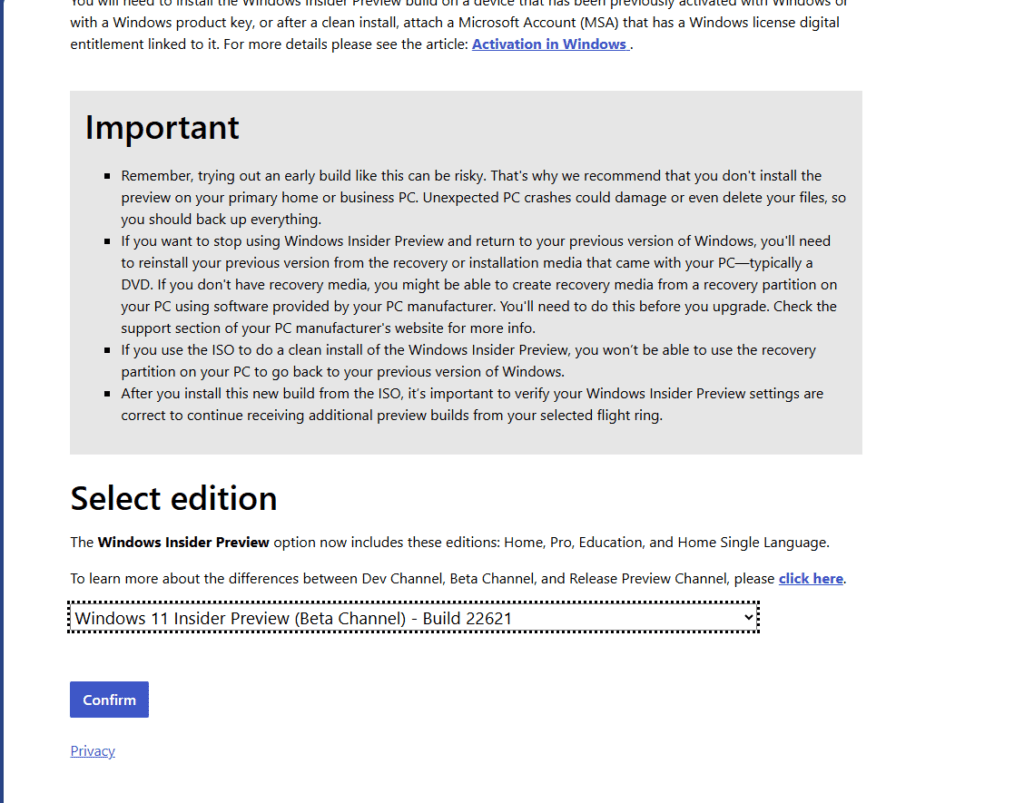
- Join the Windows Insider Program: Sign up for the Windows Insider Program if you haven’t already.
- Access the Windows Insider ISO Page : To download the ISO file, access the Windows Insider ISO page:
https://aka.ms/wipiso - Select the Appropriate ISO File: Look for the Beta Channel builds on the Windows Insider ISO page. Select the ISO file corresponding to Build 22621, a stable build in the Beta Channel, and closest to the 23H2 release.
- Download the ISO File: Select the appropriate ISO file and click on download to save it to your computer. Ensure you have a stable internet connection and sufficient disk space(approximately 6.2 GB).
- Create a Bootable USB (Optional): To perform a clean installation, use Rufus to create a bootable USB drive. More about it is mentioned in this post by me.
Another method to download Windows 11 23H2 ISO reliably
These steps will help you download a Windows 11 23H2 ISO file. OS.click, a reliable Website, also helps you to download Windows 11 23H2 ISO for installing Windows 11 23H2 offline.
Download Windows and Linux ISO lightning fast ⚡ – OS.click
To conclude, these methods would help you download Windows 11 version 23H2 installation media.