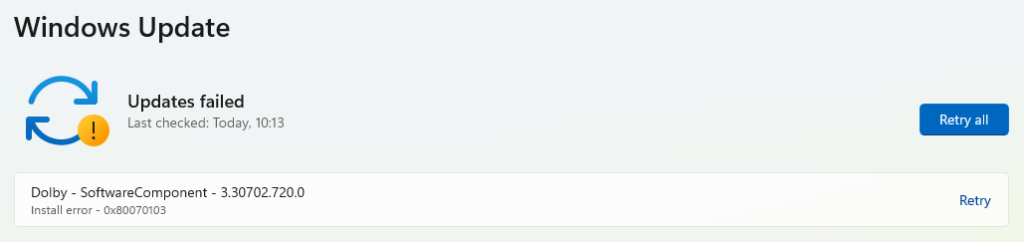
This article helps you fix Windows update error 80070103, which is typically encountered when updating device drivers in Windows Update. This article is valid for Windows 10 or Windows 11.
Background of the error code
Error code 0x8007013 typically means the device manufacturer has withdrawn the update due to issues. However, since the Windows update is cached, it tries repeatedly to install the same one. This becomes
Resolution of Windows update error 80070103
Currently, there isn’t a direct method to address this update issue. The most effective solution is to suppress the update using the WUShowHideTool, which allows you to hide unwanted updates from appearing.. Link below:
Moreover, you can try to reset Windows Update using a script, which might also help. The instructions for it are in the article below:
Reset Windows update in Windows 10
Suppress Driver updates using Regedit
There is another method, if you have Windows 11 Pro edition, you might be able to disable driver updates in Windows. See the steps here for that for modifying the group policy.
- Press Windows + R, type
regedit, and press Enter.- Navigate to:
HKEY_LOCAL_MACHINE\SOFTWARE\Policies\Microsoft\Windows\DriverSearching.- Set DriverUpdateWizardWuSearchEnabled to 0 (disable) or 1 (enable)
To summarize, these steps would help you solve the 0x80070103 error in Windows.