Earlier versions of Windows included a variety of enjoyable games, such as card games and others. However, with the release of Windows 10, Microsoft removed all non-card games that were present in earlier versions, retaining only the card games. These card games have been combined into a single modern app called the “Microsoft Solitaire Collection” in Windows 10. It’s important to note that not all of the original games are available in the Solitaire Collection, and many of them have been renamed. However, thankfully, a package containing all these games is available, which installs without a hitch in Windows 10 and provides the same games as those available in earlier versions of Windows.
Download Windows 7 games for Windows 10
Download Windows 7 games for Windows 10
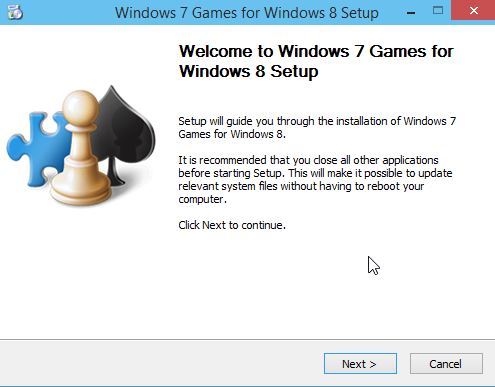
Steps to Download and Install Windows 7 Games
then select the games you wish to install:
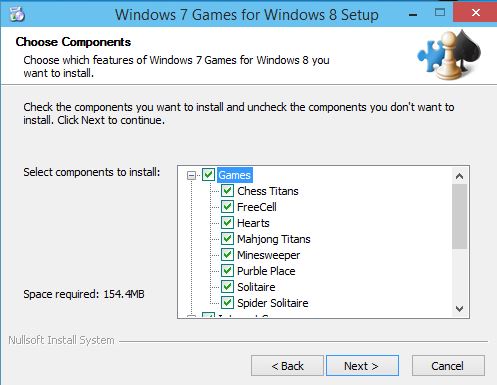
Click on Next and click finish when finished.
You just need to run the setup after the download and the games would be present in Start menu>All apps>Games folder.
(Thanks to winaero.com for the link)
PS. This package works in Anniversary update builds too,
