I encounter this issue daily on the forums, where a Windows 10 user who either has an unactivated copy of Windows or purchases an upgrade from Windows 10 Home to Windows 10 Pro from the Microsoft Store ends up with an unactivated copy of Windows, and the activation page incorrectly indicates that Windows 10 Enterprise is installed. This article deals with the same issue.
Why Windows 10 Pro upgrade results in Windows 10 Enterprise
Although it is unclear why purchasing Windows 10 Pro from the Microsoft Store results in Windows 10 Enterprise, this appears to be a bug on the Microsoft Store’s end.
Resolution
The earliest solution was to refer the user to a Microsoft Support agent, as we did not know how to reverse the update. Upon researching this, I noticed that downgrades from Windows 10 Enterprise to Windows 10 Pro are possible. This is what we can do, using a generic key. As purchasing from Store gives you a digital license, it automatically activates. So in detail, I explain what we need to do.
- Open the Settings app by going to the Start Menu.
- Click Update and Security, then choose Activation.
- Click the Change Product key and type in the following generic product key: VK7JG-NPHTM-C97JM-9MPGT-3V66T.
- Click OK.
- Click activate product when prompted.
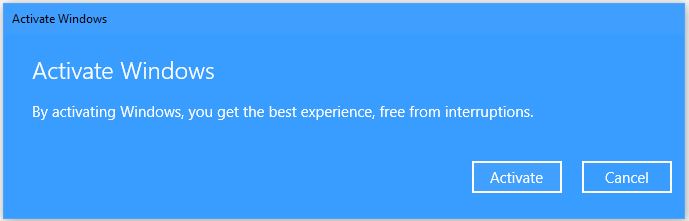
Your Windows copy should be activated. In case if it doesn’t activate, try disconnecting the Internet and try again.
Also see:
How to force Windows 10 Media to install the desired version



