As Microsoft announced last month with the release of Windows 11 22H2, a new update is now available, bringing several new features, as Microsoft stated in a Blog post today.
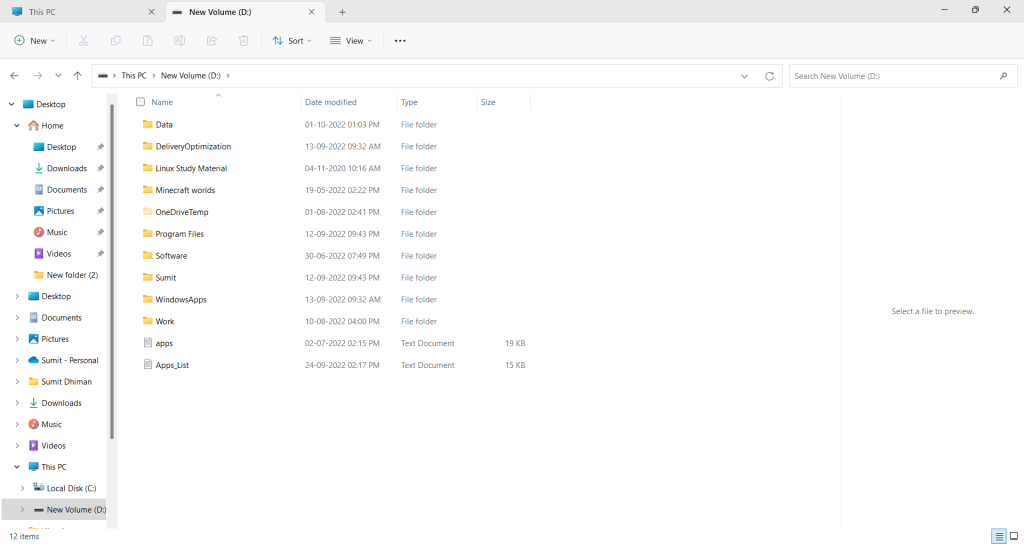
Tabs in File Explorer now available for Windows 11 22H2
Earlier this year, Microsoft said they would roll out the features as soon as they are ready instead of waiting for the annual feature update. This update serves as an example of the new features introduced, as follows.
Tabs in File Explorer: Windows now features a tabs facility in File Explorer. Tabs help you efficiently manage and organize your files and folders with ease. Additionally, with the Power of the Cloud, you can see the recently edited files by your coworkers and access them quickly.
Suggested Actions: Another way Windows is making your everyday tasks more efficient. This is done by predicting your needs and giving you recommendations for actions. For example, when phone numbers appear in the text, highlighting them opens an option to call them directly using Skype or Teams. Likewise, for dates, you would see an option to add an event on the Calendar.
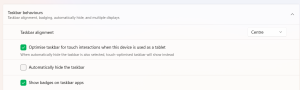
Taskbar Overflow and easy access to Task Manager: There are two improvements to the Taskbar. First, if the number of apps pinned to the Taskbar exceeds the allowed space, an overflow menu appears, allowing you to access the apps.
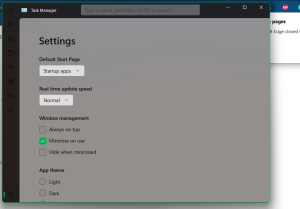
Second, when you right-click on the Taskbar, in addition to Taskbar Settings, you will also see an option to jump directly into your Task Manager(rolling out).
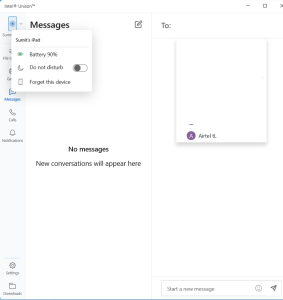
Sharing experiences improvement: To make sharing files even more accessible, the Windows Share experience has been enhanced. It ensures that you can transfer files with more discoverable devices directly from your desktop, File Explorer, Photos, Snipping Tool, Xbox, and other apps.
New 22H2 Photos App to come at the end of October
New Photos App: A new Photos app is rolling out to Windows 11 at the end of October. It is made to simplify your Pictures easier, including integration with iCloud.
Additionally, read:
Delivering continuous innovation in Windows 11 (microsoft.com)
To conclude, these new features in 22H2 are aimed at making the customer’s life easier in Windows 11.