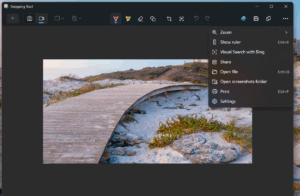
At last year’s event at Microsoft Headquarters, Microsoft announced a new set of PCs, called Copilot+ PC, based on the ARM architecture. Microsoft claimed these devices are 50% faster than the latest Mac M3 processors. These Copilot+ PCs are based on Snapdragon Elite Plus processors and feature an additional NPU for performing AI tasks locally. This article explains modern Copilot+ PC features in 2025.
Table of Contents
Copilot + PC manufacturers
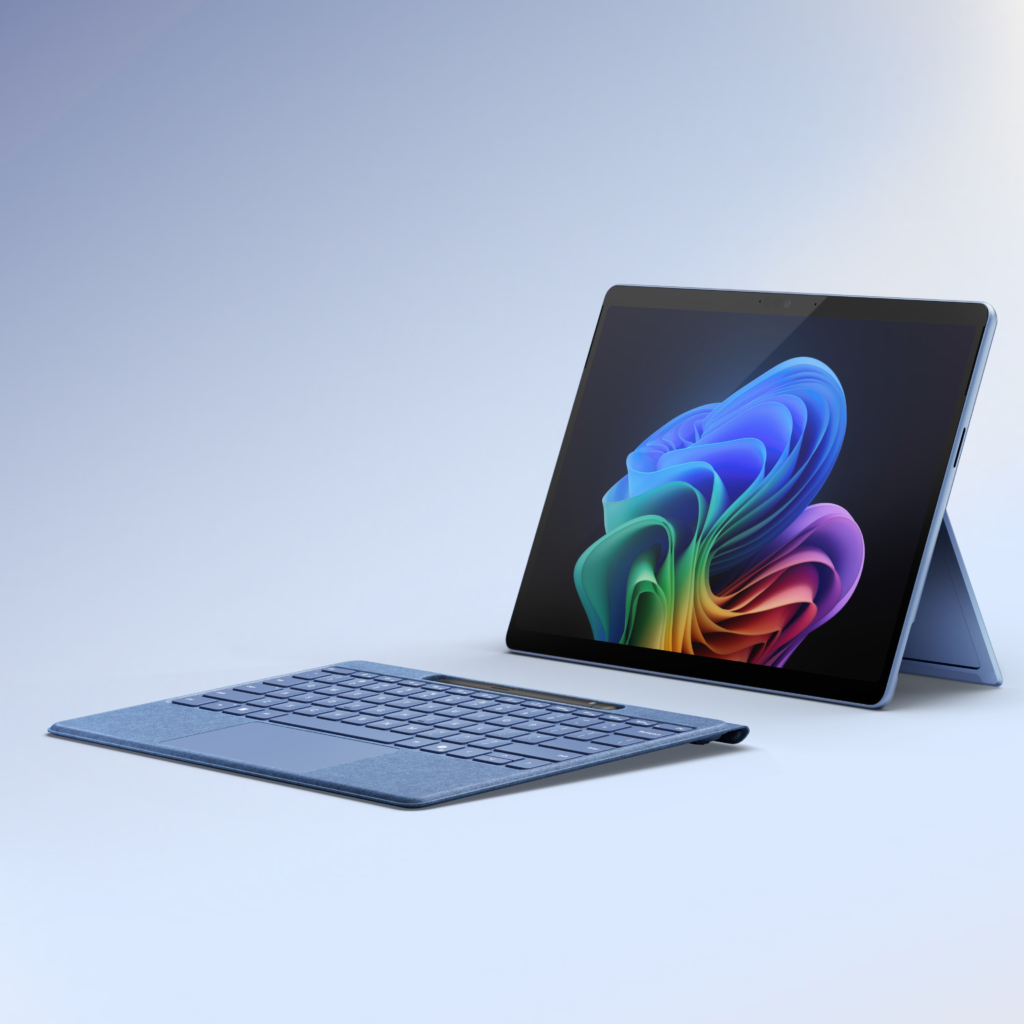
Microsoft CEO Satya Nadella announced that Intel, AMD, and Qualcomm will offer processors equipped with AI-based chips to power Windows and its Copilot+ assistant. Major PC manufacturers such as Microsoft, Dell, HP, Acer, Asus, Samsung, and Lenovo will also produce Copilot+ PCs.
Power Copilot+ PCs features
Copilot+ PCs come with many advantages – some of which are listed below:
- All-Day Battery Life: You can enjoy extended productivity with all-day battery life on Copilot+PCs.
- Very Fast: These new devices can execute 40 trillion operations per second.
- Localized AI features: Several AI features are run locally using an NPU rather than executing on the cloud.
- Affordable: These PCs start at $999, cheaper than Macs.
Exclusive Copilot+ PC features
To continue, as of June 2025, Microsoft has some exciting features for Copilot+ PCs. Let us discuss them one by one. More features will be added to these devices with Windows 11 24H2 updates. Microsoft also informed in this Blog post about the Advantages and features of Copilot+ PCs.
Recall
First up is Recall. Recall is one of the new AI-powered Copilot+ PC features for Windows 11 that acts like a photographic memory for your PC. It records everything you do on your computer and lets you search through your historical activities. With Recall, you can easily find content from any app, website, or document you’ve opened.

Moreover, Recall allows you to quickly scroll through your timeline to locate content from any app, website, or document you had opened. Forthwith, it uses snapshots to suggest actions based on what it recognizes, making it simple to return to specific emails in Outlook or the right chat in Teams. Recent updates to Recall introduce a new homepage that showcases your recent activity and top-used content, making it easy to return to your previous tasks.
When you opt in for snapshot collection, your homepage changes to a personalized productivity portal. It includes:
- Recent Snapshots: Your latest snapshots are captured by Recall, enabling you to quickly resume where you left off.
- Top Apps and Websites: A curated view of the top three applications and websites you have spent the most time on in the past 24 hours.
For more information about Recall, refer to this support document.
Secondly, to utilize Recall on Windows, you’ll need a Copilot+ PC that supports a 40 TOPs NPU, a Snapdragon X chip, 16 GB of RAM, and 256 GB of storage.
Paint Co-creator
Other unique Copilot+PC features include Paint. In Paint, you can use Cocreator to describe the image you want to create using ink strokes and words. This makes it easier to create, refine, and evolve your ideas in near real time. AI is there to create alongside you and help you express your ideas. During the demos, this feature looked very cool!
Translations of live captions
Next is the Live caption improvements. Live Captions now offers live translation, enabling you to convert any audio that goes through your PC into real-time English captions. Concurrently, this feature ensures a consistent and accurate experience, allowing you to easily understand and follow along with spoken content on your PC.
Relight
The new Relight feature, one of the powerful features of Copilot+PC empowers you to control lighting with unprecedented precision. Place up to three light sources, select colors, and designate a focus point—all lights will automatically aim there. Adjust brightness and intensity for further refinement. Built-in presets enable instant application of stylish lighting effects with a single click. Relight transforms intricate lighting adjustments into a visually intuitive process, ideal for correcting lighting issues or enhancing creative outcomes.
Improved Windows Search
With Semantic keyword-based searching, searching in the Copilot+PC becomes very easy. For example, you can use your own words to find images by typing “bridge at sunset”, documents by describing what they are about, like “Europe trip budget”, or settings like “change my theme”.
Text action for Click to Do
Click to Do (preview) accelerates your workflow by detecting actionable text and images on your screen. It analyses the content displayed, allowing you to select the specific text or image to act upon.
List of Copilot+ PCs available in the market
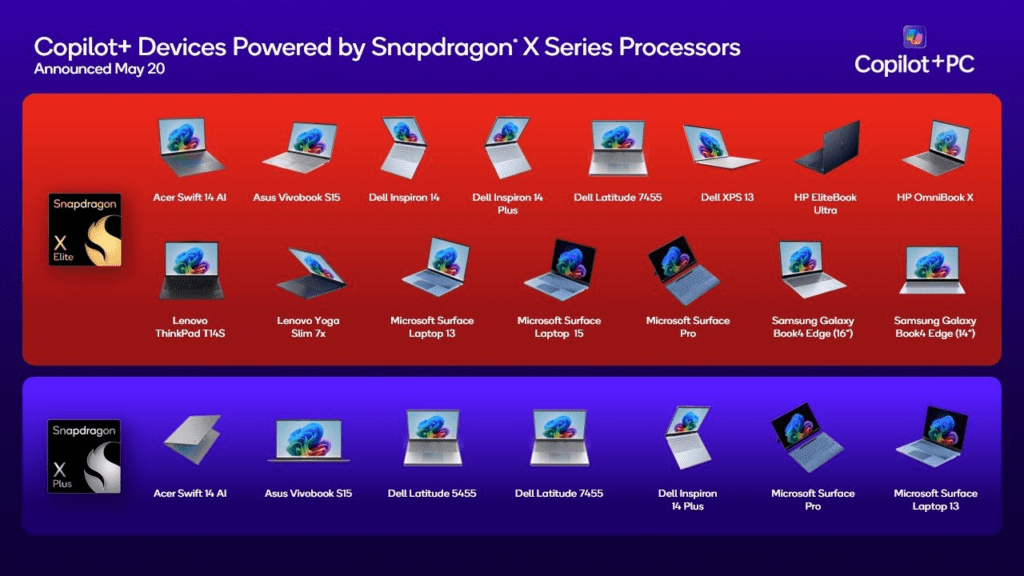
Many of the OEMs announced PCs based on Copilot+. Here is a list of them, together with the links:
PCs with Snapdragon X Elite
- Acer: Swift 14 AI
- Asus: Asus Vivobook S15
- Dell: Inspiron 14, 14 Plus, Latitude 7455 and XPS 13.
- HP: Elitebook Ultra, Ominbook X
- Lenovo: Thinkpad T14S and Yoga Slim 7X
- Microsoft: Surface Laptop 13 and 15, together with Surface Pro
- Samsung: Galaxy Book 4 Edge (14″ and 16″)
PCs with Snapdragon X Plus
- Acer Swift 14 AI
- Asus Vivobook S15
- Dell Latitude 5455, 7455, and Inspiron 14 Plus
- Microsoft Surface Pro and Laptop 13
To conclude, these are the main Copilot+ PC features. Are you excited? Let us know in the comments.