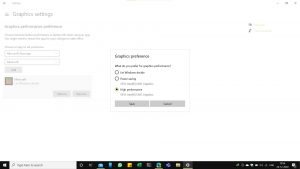
This article shows How to Update Minecraft in Windows 10. The latest release of Minecraft is version 1.16 as of December 2020.
How to Update Minecraft in Windows
The following steps would help in updating Minecraft for Windows 10 using the Microsoft Store.
- Search and Open the Microsoft Store in Windows 10.
- Click 3 dots at the right and select Downloads and updates.
- In the list, Locate Minecraft and click Update.
Applies To: Windows 10, Minecraft Bedrock

Please note that for certain hardware, Minecraft is no longer supported. In that case, you need to
Upgrade PC hardware, specifically GPU.
Also, make sure your PC Windows version is at least 1909, released in October 2019. If you have issues with Minecraft, go through this article.